Article
25 Jan 2025
The Most Common Microsoft 365 Security Gaps We Find In Businesses
Microsoft 365 is now central to most business operations, yet many organisations still operate with significant security gaps. This article explores the most common Microsoft 365 security weaknesses businesses face and how proactive security management reduces operational risk.
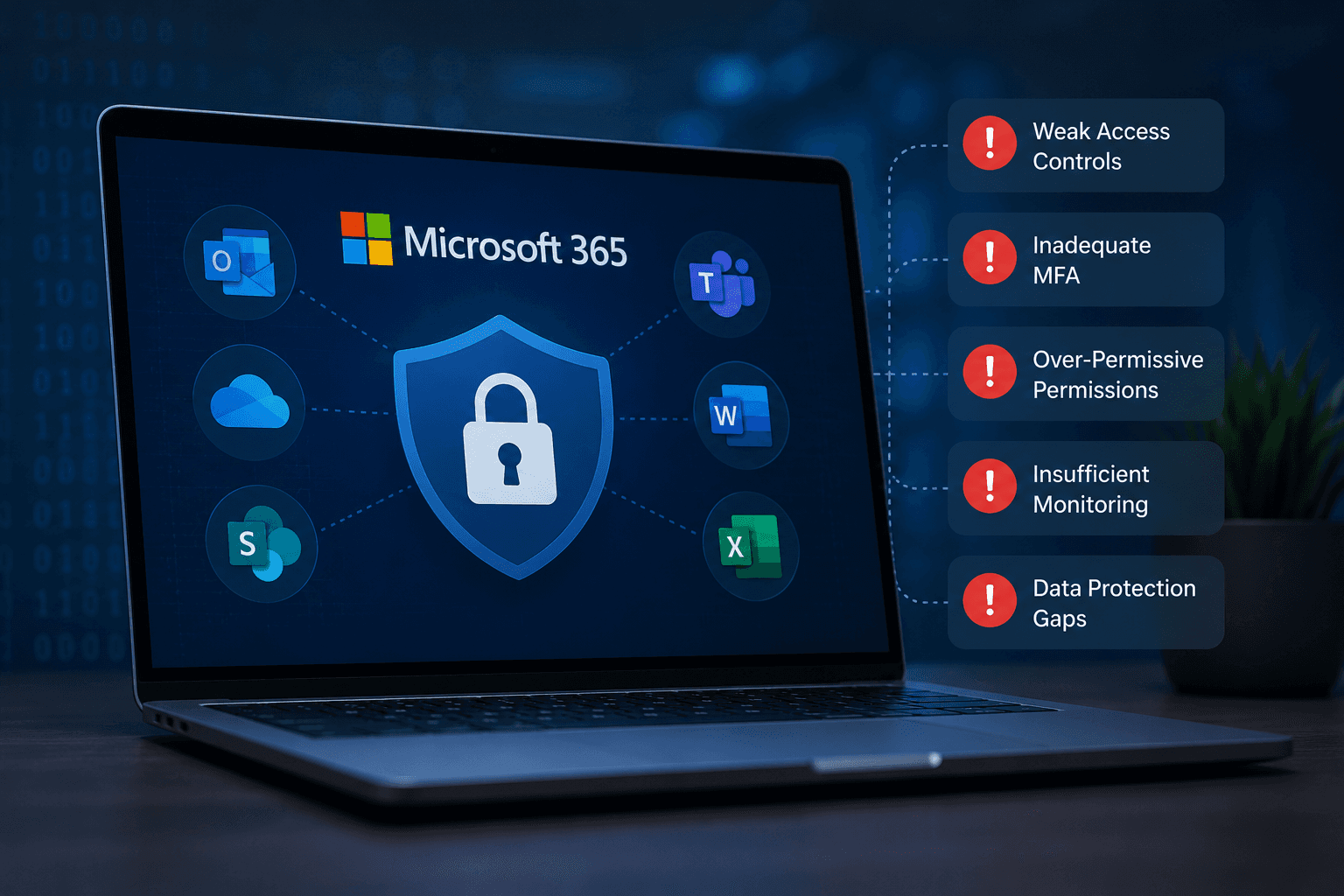
Securing Modern Microsoft 365 Environments
Microsoft 365 has become a critical operational platform for modern organisations. Email communication, document management, collaboration, identity management and cloud infrastructure are now heavily integrated into day-to-day business operations.
However, many businesses still operate Microsoft 365 environments with significant security gaps that increase operational risk and expose organisations to phishing attacks, account compromise, data loss and operational disruption.
As cyber threats continue to evolve, Microsoft 365 security should be treated as a core operational requirement rather than a one-time setup task.
Multi-Factor Authentication Is Still Not Fully Enforced
One of the most common security issues businesses face is incomplete or inconsistent multi-factor authentication deployment.
In many environments:
some accounts remain excluded
legacy authentication is still enabled
MFA is optional rather than enforced
privileged accounts lack additional protection
Without properly enforced MFA policies, compromised credentials can provide attackers with direct access to business email, files and operational systems.
Modern Microsoft 365 environments should implement structured identity protection policies across all users, administrative accounts and cloud services.
Legacy Authentication Remains Enabled
Legacy authentication protocols continue to create unnecessary risk within many Microsoft 365 environments.
Older authentication methods often bypass modern security protections and are commonly targeted during password spraying and credential-based attacks.
Businesses frequently inherit older configurations from historic migrations or previous providers without realising these legacy protocols remain active.
Disabling unused legacy authentication methods significantly reduces exposure to credential compromise attempts.
Administrative Access Is Poorly Managed
Administrative permissions are often over-assigned within Microsoft 365 environments.
Common issues include:
global admin access assigned to multiple users
shared administrative accounts
limited audit visibility
lack of privileged access controls
excessive standing permissions
Administrative accounts represent high-value targets for attackers. Restricting privileged access and implementing structured role management helps reduce operational and security risk.
Microsoft 365 Backup Is Frequently Overlooked
Many organisations incorrectly assume Microsoft automatically provides comprehensive long-term backup and recovery across all Microsoft 365 services.
While Microsoft maintains platform availability, businesses still require dedicated backup strategies for:
Exchange Online
SharePoint
OneDrive
Teams data
user recovery
ransomware resilience
Without structured backup and retention management, organisations may face data recovery limitations following accidental deletion, malicious activity or operational incidents.
Conditional Access Policies Are Missing Or Incomplete
Conditional Access is one of the most important security capabilities within Microsoft 365, yet many businesses either do not use it or apply it inconsistently.
Conditional Access policies help organisations:
restrict risky sign-ins
enforce MFA requirements
control unmanaged device access
reduce external access risk
strengthen identity protection
Without structured Conditional Access policies, Microsoft 365 environments often rely entirely on passwords and basic MFA for security.
Security Monitoring And Alerting Is Limited
Many organisations lack visibility into suspicious behaviour occurring within their Microsoft 365 environment.
This includes:
impossible travel activity
suspicious sign-in attempts
mailbox forwarding rules
privilege escalation
risky device access
malicious application consent
Without proactive monitoring and alerting, businesses may remain unaware of compromise activity until operational disruption occurs.
Modern environments increasingly require ongoing monitoring, SOC oversight and structured incident response processes.
Email Security Configurations Are Weak
Email remains one of the most heavily targeted attack surfaces within modern organisations.
Common issues include:
missing SPF, DKIM or DMARC policies
weak anti-phishing configuration
insufficient attachment protection
poor impersonation controls
limited user awareness training
Improving email security configuration significantly reduces exposure to phishing compromise and business email attacks.
Why Microsoft 365 Security Requires Ongoing Management
Microsoft 365 security is not a single deployment project. Security requirements evolve continuously as businesses adopt new cloud services, hybrid infrastructure and operational workflows.
Effective Microsoft 365 security management requires:
proactive monitoring
policy review
access management
vulnerability reduction
operational oversight
structured security processes
Businesses that actively manage their Microsoft 365 security posture are significantly better positioned to reduce operational risk and maintain resilience against evolving threats.
Conclusion
Microsoft 365 environments now form part of the operational backbone of many organisations, yet security gaps remain extremely common across businesses of all sizes.
Weak identity protection, poor access management, limited monitoring and incomplete security policies can all create significant operational and cybersecurity risk.
By implementing structured Microsoft 365 security management, organisations can improve visibility, reduce exposure to compromise and maintain more secure operational environments.